
AntiLogin · Profiles and workflows
Manage Multiple YouTube Channels in Separate Browser Profiles
Manage multiple YouTube channels in separate browser profiles. Organize sessions, share team access and keep your channel workflows together with AntiLogin.
Free Friends availability is determined in the app. MCP/CDP are available on paid plans.
Keep Each Channel’s Working Session Organized
For teams handling different channel owners, use a named browser profile for each relevant sign-in context. Add the channel name and client to the profile label. Check the avatar and channel identity in YouTube Studio before uploading or editing.
How channel permissions and browser profiles work together
YouTube’s own channel permissions determine what a person can do in Studio. AntiLogin workspace access determines which browser environment they can open. Configure and revoke these access layers separately.
Create a Profile, Sign In and Tag Your Channel
Create a profile, sign in using an authorized Google account, open the correct channel and label the profile for its purpose. Close and reopen it to verify your workflow. Google can still require a new sign-in or account check.
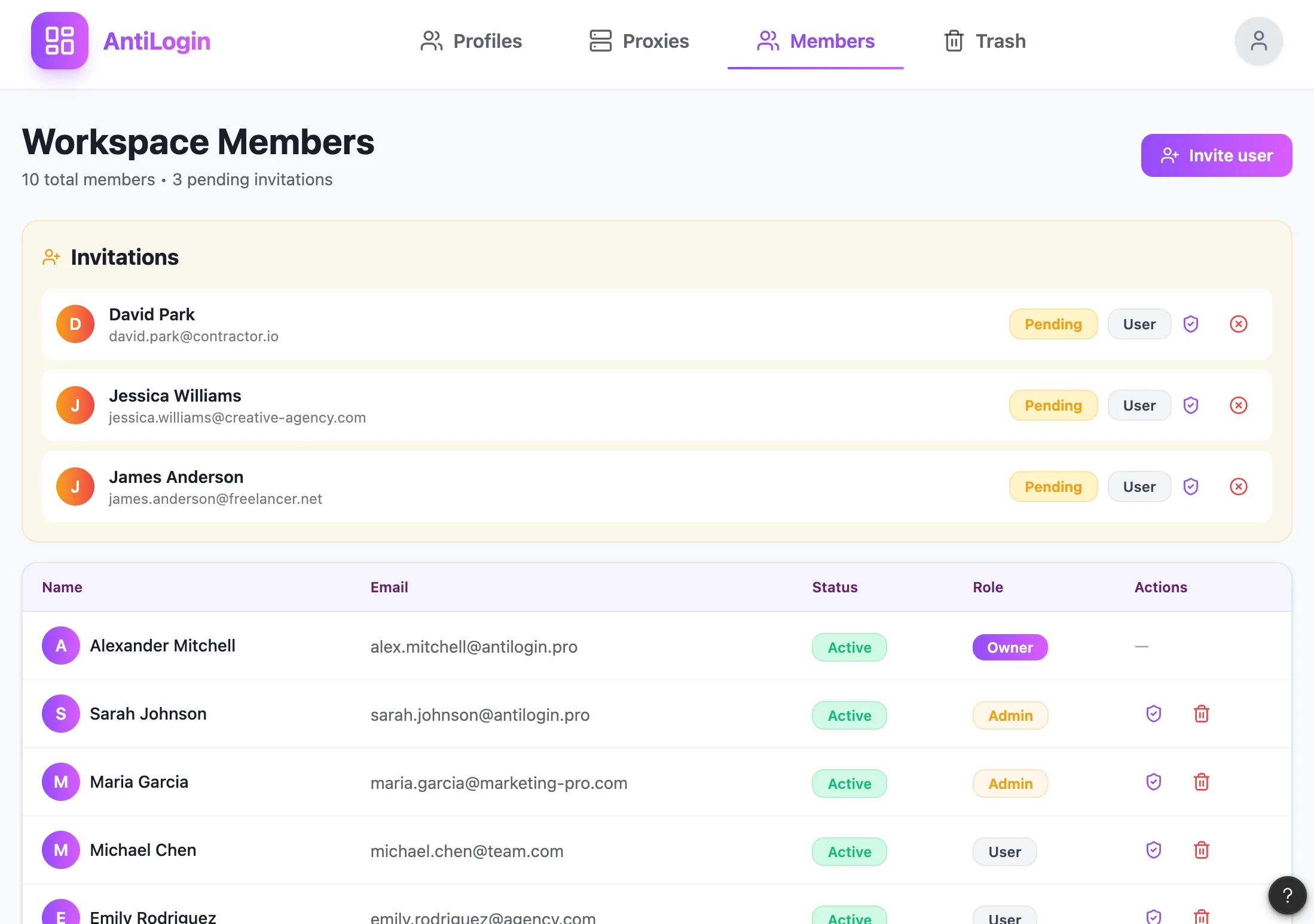
Give Your Team Access to the Right Workspace
Assign production staff to the relevant client workspace and review their profile permissions. An authenticated browser session can expose more access than a narrow Studio role; choose the appropriate native role and review the session context.
Continue Work Across Devices with Profile Sync
Before changing computers or operators, close the profile normally and complete synchronization. Leave a note about drafts and pending work. Do not rely on two people changing the same session at once.
See a Multi-Channel Workflow and Choose Your Plan
Start with one channel handover before rolling the workflow out. For a sole owner with a few channels, YouTube’s built-in switching may be enough. AntiLogin organizes browser sessions; video generation and scheduled publication require YouTube or a separate tool.
Questions and answers
Why use separate profiles when YouTube already lets me switch channels?
Native switching can be enough for a single owner. Separate profiles help organize distinct client sign-ins and team workflows.
Does AntiLogin replace channel permissions in YouTube Studio?
No. YouTube channel permissions and AntiLogin browser access must be configured separately.
Can I hand work on a channel over to another teammate?
Use the appropriate workspace and YouTube role, then perform a sequential close-and-reopen handover.
Does AntiLogin include video generation and scheduled publishing?
AntiLogin is a browser environment. Use YouTube’s own features or separate verified tools for creation and scheduling.