
AntiLogin · Profiles and workflows
Automate Browser Workflows with Profiles, MCP and CDP
Automate browser workflows with AntiLogin profiles, MCP and CDP. Compare connection options, manage permissions and start with a practical integration guide.
Free Friends availability is determined in the app. MCP/CDP are available on paid plans.
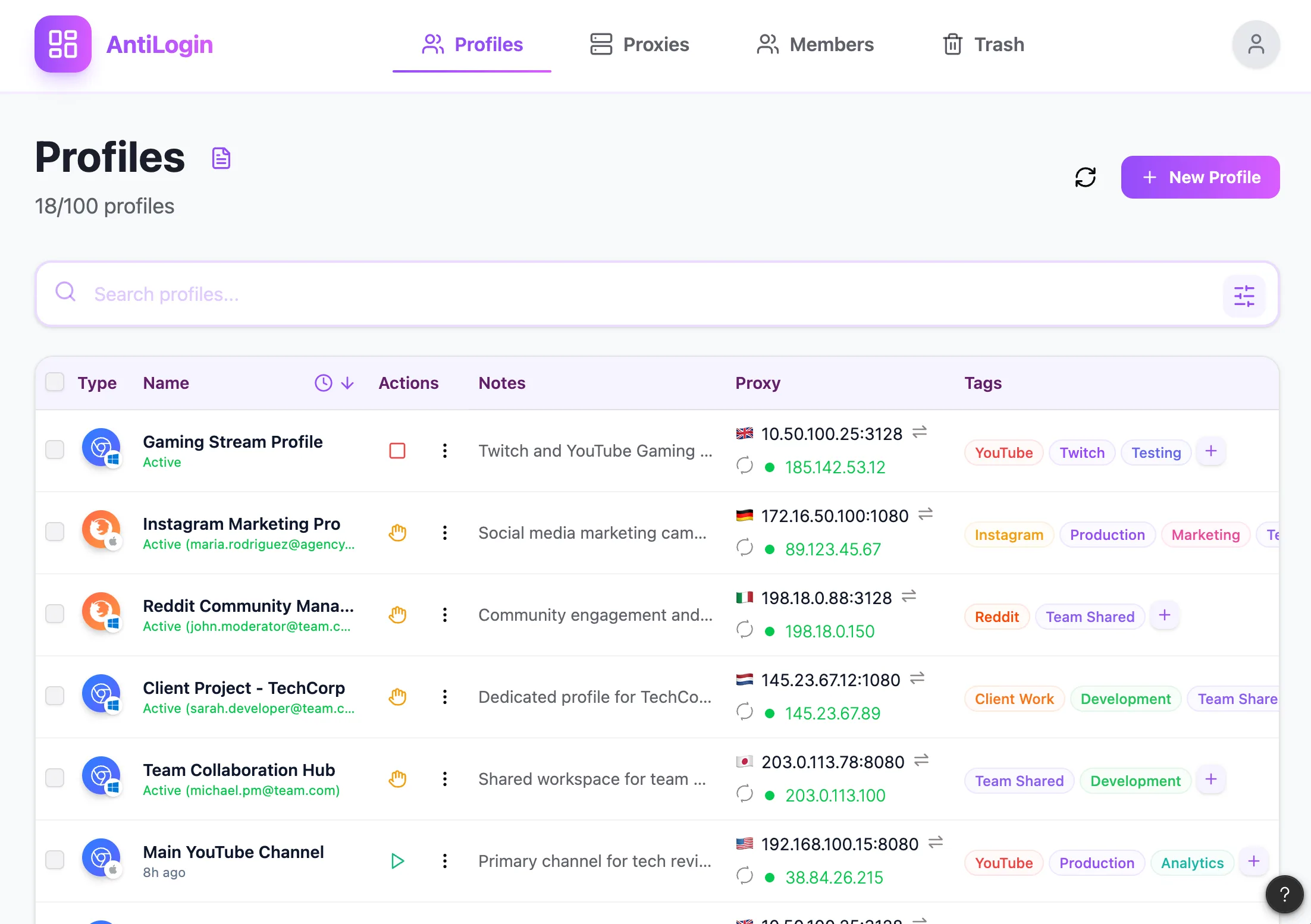
Keep Each Workflow in Its Own Browser Profile
Use a persistent profile as the unit of a repeatable workflow. Reuse the intended profile instead of creating a new environment for every run. Store a clear task-to-profile mapping and verify the active account before changing anything on a website.
Use MCP to Manage AntiLogin Objects and Sessions
AntiLogin’s management MCP works with application objects: profiles, sessions, proxies and tags. An agent can prepare the environment and start the selected profile, subject to its permissions and the workspace role.
Use CDP to Control a Running Browser Profile
Once a profile is running, an external tool connects through its automation port using CDP. That tool performs webpage actions. The management MCP connection and the browser connection serve different layers of the workflow.
Choose the Connection That Fits Your Task
Use MCP for selecting or preparing a profile, and Playwright for a supported browser interaction through connect_over_cdp. This does not imply a built-in visual workflow recorder or compatibility with every automation framework.
Build a Repeatable Workflow from Start to Finish
A complete run is: identify the task, locate the profile, check permissions, start the session, obtain the port, inspect the current page, perform the authorized step and verify the outcome. Close the session deliberately when the task is complete.
Review Permissions, Plan Requirements and Failure Handling
If a run fails, capture which step failed before retrying. Repeating a purchase, publication or form submission can duplicate an action. Check plan entitlement, connection availability and the current website state before resuming.
Questions and answers
What is the difference between MCP and CDP in AntiLogin?
Management MCP controls application objects and session lifecycle. CDP connects an external tool to a running profile’s browser.
Do I need to create a new profile every time?
No. Reuse the intended saved profile; a third-party website can still request authentication again.
Which tools can I connect?
The documented route is Playwright through connect_over_cdp, plus management MCP. Other frameworks require separate confirmation.
Is automation available on the free plan?
MCP/CDP are paid-plan features. Review current workspace entitlement before starting.