
AntiLogin · Profiles and workflows
Keep Client Facebook Ads Work in Separate Browser Profiles
Manage client Facebook ad accounts in separate AntiLogin profiles. Organize sessions, proxies and team permissions alongside your Meta Business access.
Free Friends availability is determined in the app. MCP/CDP are available on paid plans.
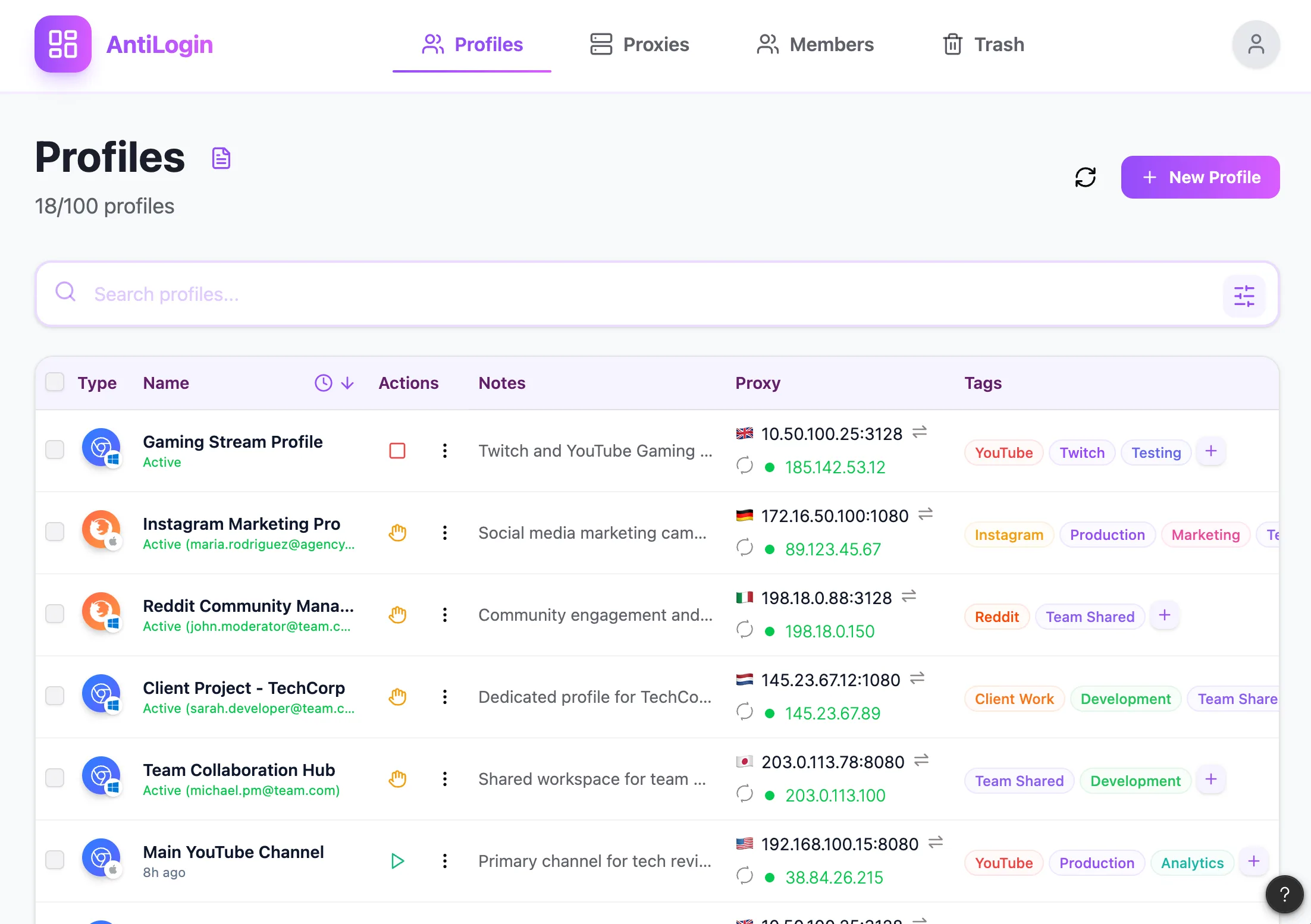
Match Each Browser Profile to the Right Client
Map the browser profile to a client and authorized Meta sign-in, then put the business name in its label. Several ad accounts can belong to one authorized context; do not create profiles simply to match a count of advertising accounts.
Use Meta Business Permissions Alongside Browser Access
Use Meta’s own business and asset permissions to authorize work. AntiLogin organizes the browser environment and does not replace those roles. A team that is fully served by native business access may not need additional browser separation.
Set Up Sessions, Profile Names and Proxy Settings
Open the profile editor, assign the intended connection and enter the authorized account through Meta’s interface. Reopen the profile to check the same working context. Authentication or business verification can still be requested by Meta.
Give Media Buyers Access to Their Workspaces
Group the client’s profiles in the appropriate workspace and review the buyer’s role before granting access. Remove workspace access and Meta business access separately when a person changes responsibilities.
Check the Client and Ad Account Before Making Changes
Before editing a budget or campaign, check the business, ad account and payment context shown on the page. Treat an irreversible submission as a deliberate action and verify the resulting state before retrying.
Follow a Tested Workflow and Choose Your Plan
Pilot the setup on an existing authorized workflow. AntiLogin does not create ad accounts, resolve policy violations or guarantee that accounts will avoid restrictions. Choose capacity around your real sign-ins, concurrency and team size.
Questions and answers
Do we need AntiLogin if our agency already uses Meta Business Suite?
Native business permissions may already be sufficient. Profiles help when distinct sign-in environments are operationally useful.
Does AntiLogin create ad accounts or Business Managers?
No. Work with existing authorized assets using Meta’s own account and business tools.
Can you guarantee that an account will not be blocked?
No. Browser configuration does not remove account, business, payment or advertising policy checks.
How do I remove an employee's access?
Review AntiLogin membership and Meta business roles separately, including existing authenticated sessions.