
AntiLogin · Profiles and workflows
Keep Every Client’s Social Media Work in Its Own Browser Profile
Manage client social accounts in separate AntiLogin browser profiles. Organize brands with tags, keep sessions apart and coordinate access across your team.
Free Friends availability is determined in the app. MCP/CDP are available on paid plans.
Open the Right Brand’s Account Without Session Mix-Ups
Use a profile label that identifies the brand, website and task before opening a social dashboard. Check the visible account again before publishing or replying. Separate browser sessions reduce the operational need to repeatedly sign in and out.
Organize Profiles Across Platforms with Client Tags
Use client workspaces to organize responsibility and tags to group editorial tasks across platforms. Tags help you find a profile; the workspace permission model controls access. Keep the publishing calendar in the tool your editorial team already uses.
Keep Each Profile’s Sessions and Proxy Settings Separate
Save the intended session and connection settings with the profile. Reusing the environment does not prevent a social platform from requiring authentication again, and a desktop web session does not add mobile-only features.
Coordinate Team Access and Daily Handoffs
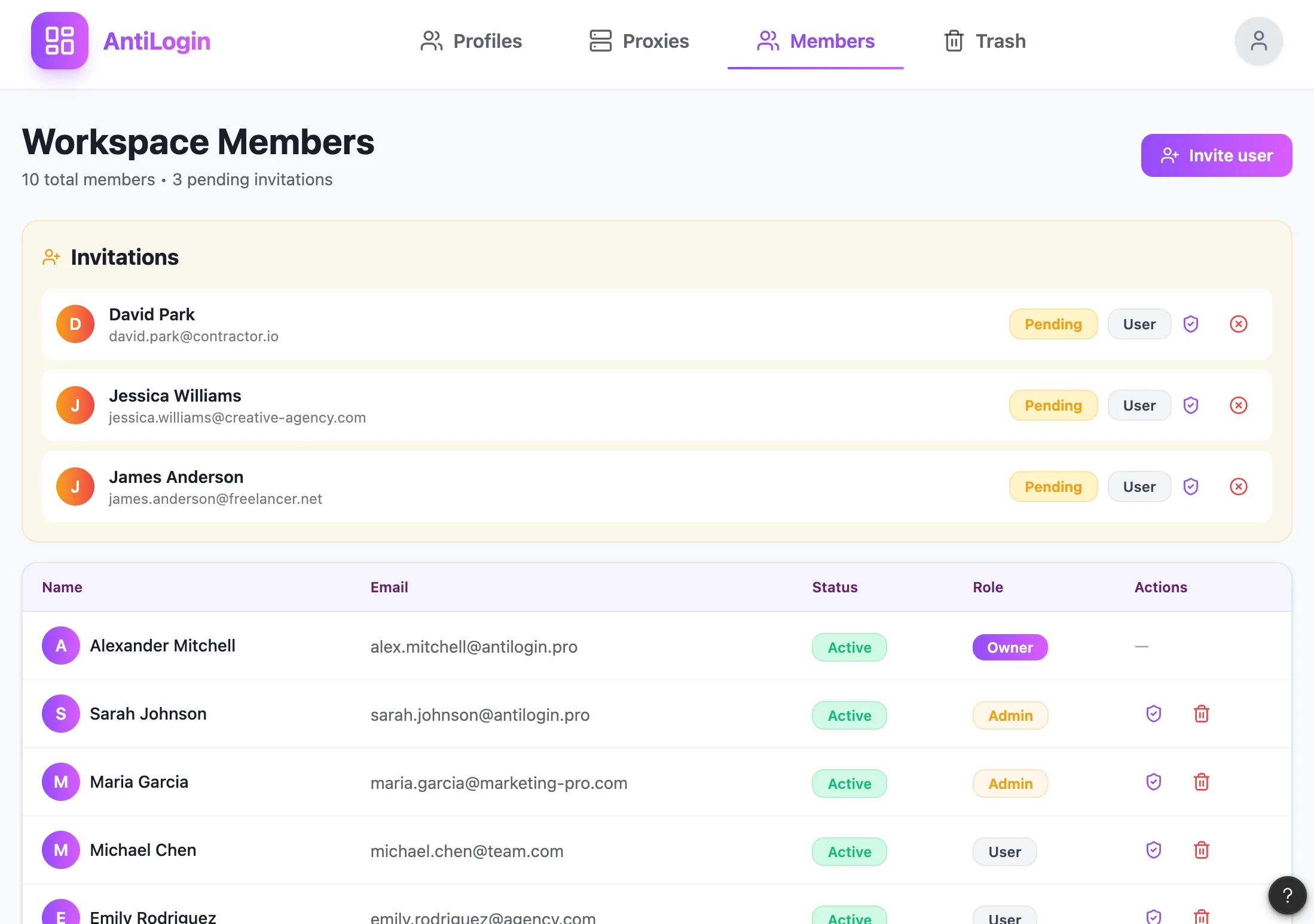
For a shift change, finish the current action, close the profile and leave a clear handover note. Review profile access alongside each platform’s native team roles. Do not assume an authenticated profile limits an operator to one editorial permission.
Use Native Social Tools Alongside AntiLogin
Continue using the platform’s own scheduling, analytics and moderation features where available. AntiLogin is the browser work environment; it is not a built-in social analytics platform, editorial scheduler or video generator.
See a Real Client Workflow and Compare Plans
Pilot a brand workflow with an account you control and verify the required web features yourself. Native account switching may be sufficient for a small setup. Compare the browser plan with your actual number of reusable environments, parallel tasks and teammates.
Questions and answers
Is AntiLogin a social media scheduling and analytics service?
No. Scheduling and analytics belong to the platform or a separate service; AntiLogin organizes browser work.
Can I work with Instagram, TikTok and other platforms?
Verify the specific website workflow you need. Desktop browser access does not provide mobile-only app functions.
How can I avoid mixing up different clients' accounts?
Use client, platform and task in the name, then check the visible account before publishing or replying.
Is the social network's built-in account switcher enough?
It can be enough for a small workload. Evaluate separate profiles when sign-in contexts, connections and team handoffs become harder to manage.